Create ATS-Friendly Resumes with AI
Optimize your professional story in minutes. Our advanced AI scans real job postings in Pakistan, scores your alignment, and drafts high-converting resume bullets tailored specifically to beat automatic screenings.
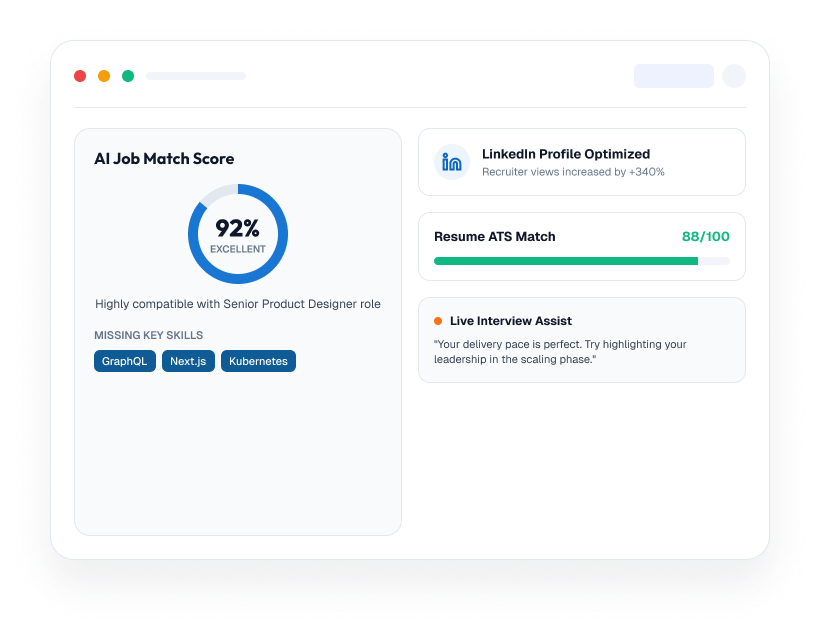
Build Your Resume in 60 Seconds with AI
No more staring at blank pages. Simply paste a job description, and our AI instantly generates a tailored, job-winning resume. Review, customize, and download — all in under a minute.

The Old Way vs AI Resume Builder
Stop wasting hours on resumes that get rejected. Let AI do the heavy lifting.
The Old Way
Hours of manual work, guesswork, and rejection.
- Hours spent formatting and rewriting
- 75% of resumes rejected by ATS
- Guessing which keywords to use
- Generic templates that don't stand out
With AI Resume Builder
Fast, modern, and optimized for ATS success.
- Paste any job description
- AI optimizes your resume in seconds
- ATS-friendly formatting applied automatically
- Download and apply with confidence
Everything you need to create the perfect resume
From brainstorming to execution-CollabAI helps teams ship faster with less manual work.

AI Writing
Generate compelling bullet points and professional summaries tailored to your industry and experience level.

ATS Optimization
Real-time ATS compatibility scoring ensures your resume passes automated screening every time.
Resume Templates
Choose from 50+ professionally designed, ATS-friendly templates for every industry and career level.

Resume Score
Get an instant score showing how well your resume matches the target job, with actionable improvement tips.
Keyword Suggestions
AI analyzes job descriptions and suggests the exact keywords and phrases to include in your resume.
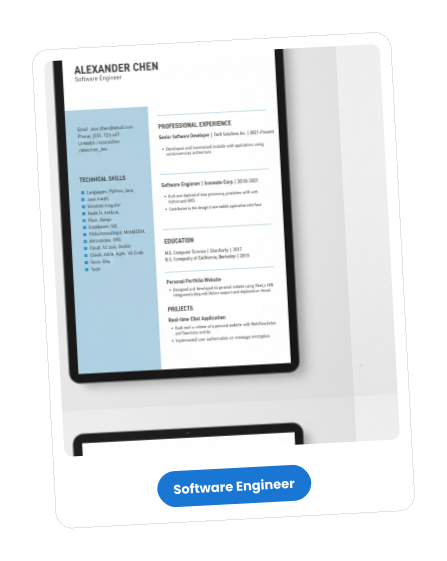
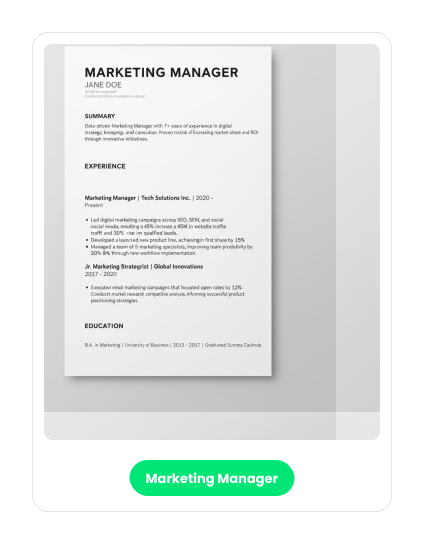
Resume Examples That Got Hired
See real examples of AI-generated resumes that landed interviews at top companies.
Frequently Asked Questions
Let’s Get Answers to Each Query You Have In Mind
Follow these simple steps to create your employer account in seconds.
- Fill in the correct information about yourself. It includes your basic details (full name, business email, and password).
- Make sure to set a strong password.
- Provide basic company details, such as the company name, website, and size.
- Add some additional information to create a strong profile. It involves a company description, a LinkedIn profile, and a location.
- Now, verify the code you receive via email or message, and you are ready to go.
Still Have Questions?
Contact our support team for assistance.
 We reply within 24 hours.
Everything You Need to Land Your Next Job
From creating a professional resume to preparing for interviews, JobsAday's AI tools help you build confidence, improve your profile, and connect with the right opportunities faster.